
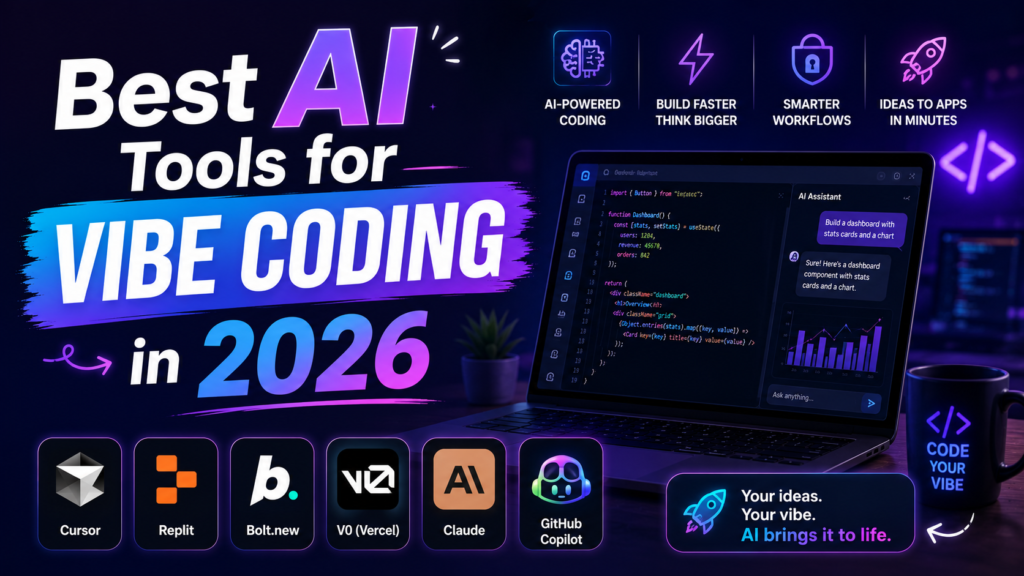

If a friend asked me about vibe coding today, my honest first advice would be simple. Before anything else, you should know the basics of coding. Once you understand that, you’ll actually be able to use these tools properly. Only after that would I start telling them about the tools themselves, because picking a tool before understanding coding is like picking a car before you even know how to drive.
Four Tools, Explained Simply
Let me explain these four tools in the simplest way possible, using comparisons that actually make sense in real life:
- Cursor. Feels like a bullet train, faster than even a sports car. It completes your sentences before you finish typing, which makes it perfect for professionals and people working at a high level who need speed above everything else.
- Claude Code. Feels like a coach who helps a soccer player who already knows the game improve his skills even further. It’s not meant to teach you from zero, it’s meant to polish what you already know. That’s why it works best for people who already understand coding, not complete beginners.
- GitHub Copilot. Feels like Adidas, a famous, trusted brand that people choose for a luxurious lifestyle. Even if the price feels high, consumers don’t quit buying it, because the trust is already built. Huge companies trust GitHub Copilot and keep using it, no matter the cost.
- OpenAI Codex. Feels like those small free packets of ketchup that come with spicy food. You didn’t pay extra for it specifically. It just comes along with something else you already ordered, in this case, your ChatGPT subscription.
A Surprising Thing I Learned Researching This
Here’s something that genuinely surprised me while researching this topic. Studies actually found that experienced developers were 19% slower when using AI tools, even though they believed they were faster. At first, this made no sense to me. But thinking about it more, I realized something interesting. Humans created AI themselves, so naturally, we assume we’re faster than our own creation, without even realizing AI might actually outpace us in certain ways. The real reason for the slowdown wasn’t the AI itself being slow; it was everything that happened afterward. Developers had to fix mistakes in the AI-generated code and double-check everything carefully before trusting it completely. That extra checking and fixing time added up, even though the AI generated the code itself instantly. This taught me something important. Speed isn’t just about how fast a tool generates something; it’s about how much extra work you need to do afterward to make it actually usable.
Don’t Forget About Pricing
Let’s talk about pricing too, because it genuinely matters:
- Cursor costs around 20 dollars a month for its basic plan.
- Claude Code also starts around 20 dollars, but heavy daily use can push the cost much higher.
- GitHub Copilot has different pricing tiers depending on what you need.
- OpenAI Codex doesn’t have its own separate price, it comes bundled with ChatGPT’s paid plans, which also start around 20 dollars a month.
My honest take on this stays the same as everything else I’ve said. It depends on the user. Whoever can afford higher subscriptions can pick whichever tool genuinely fits their work best, without worrying about the cost. But if you can’t afford that yet, there’s no shame in trying the free versions or cheaper subscriptions first. You can still learn, build, and improve, just at your own pace and budget.
Even AI Tools Have Limits
Here’s another honest finding worth knowing. When app builders like Bolt are used for large, complex projects instead of simple ones, the code they create can become messy and difficult to understand. Thinking about it, this makes sense to me. Putting a large, complicated project into a simple app builder is bound to cause trouble eventually. These AI tools weren’t created specifically to handle every single situation perfectly. Since they’re still AI at the end of the day, it’s possible for glitches and messy results to happen, especially when you push them beyond what they were originally built for. This is just another reminder that knowing your project’s size and complexity matters just as much as picking the right tool in the first place, before you even begin building anything at all.
So Which One Should You Pick?
Here’s my honest, practical advice based on everything we’ve discussed:
- Complete beginner, never coded before. Don’t jump into any of these tools yet. Learn the basics of coding first. That’s the most important step before anything else.
- Professional developer at a big company. Go with GitHub Copilot. It’s the trusted, widely used choice that huge companies already rely on, no matter the cost.
- Already paying for a ChatGPT subscription. Check out OpenAI Codex. It comes bundled with your existing plan, so you might already have access to coding help without paying anything extra.
Don’t Panic, Just Keep Trying
If you’re feeling overwhelmed by all these AI coding tools, Cursor, Claude Code, GitHub Copilot, and OpenAI Codex, I want to say this to you from the bottom of my heart. Don’t panic. Don’t get stuck. If you fail, start from zero again, and keep trying, again and again.